Capture any document in Japanese. MailMana translates it, stores it and tells you what to do next.
Coming soon on iOS and Android.
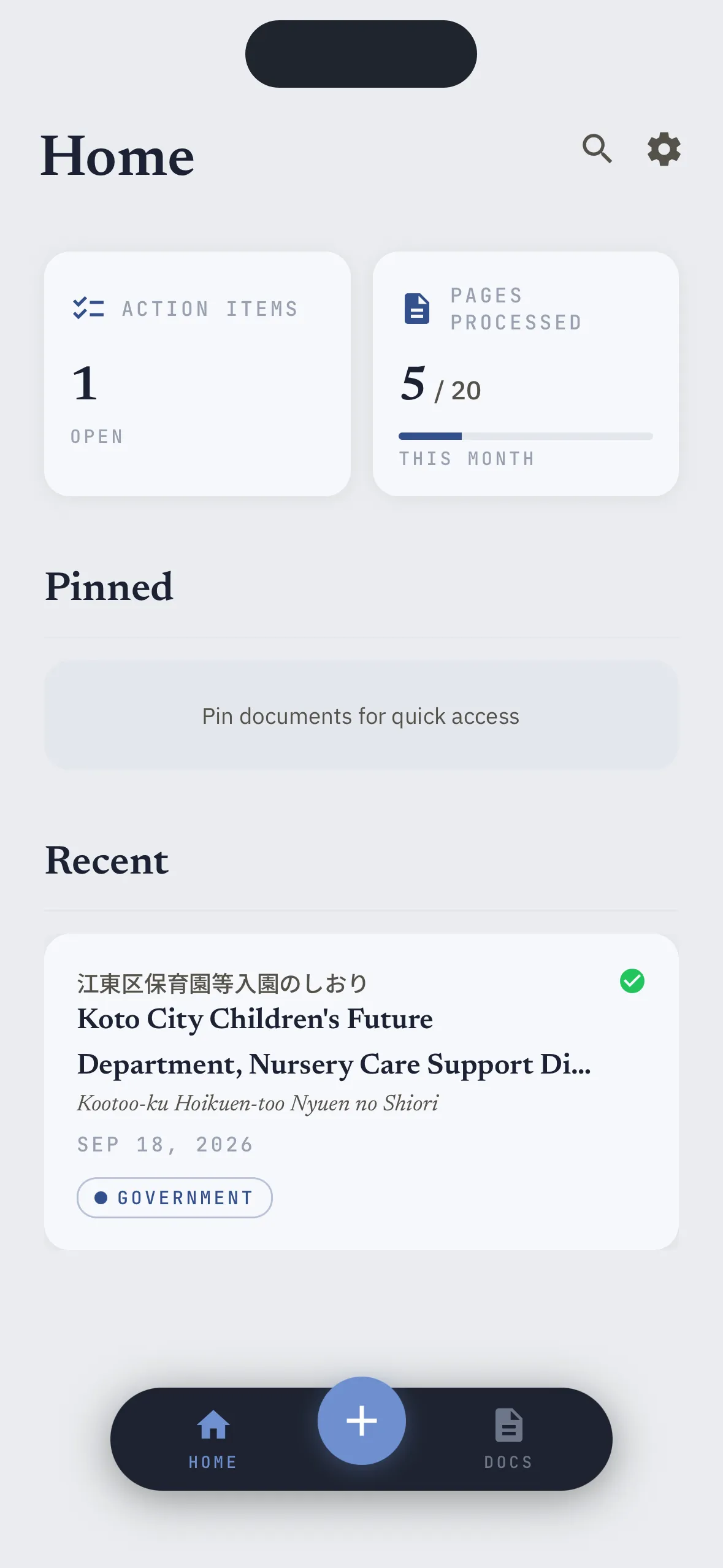
Scan or Upload. Done.
Scan with auto-capture. Upload a photo or a PDF you already have.
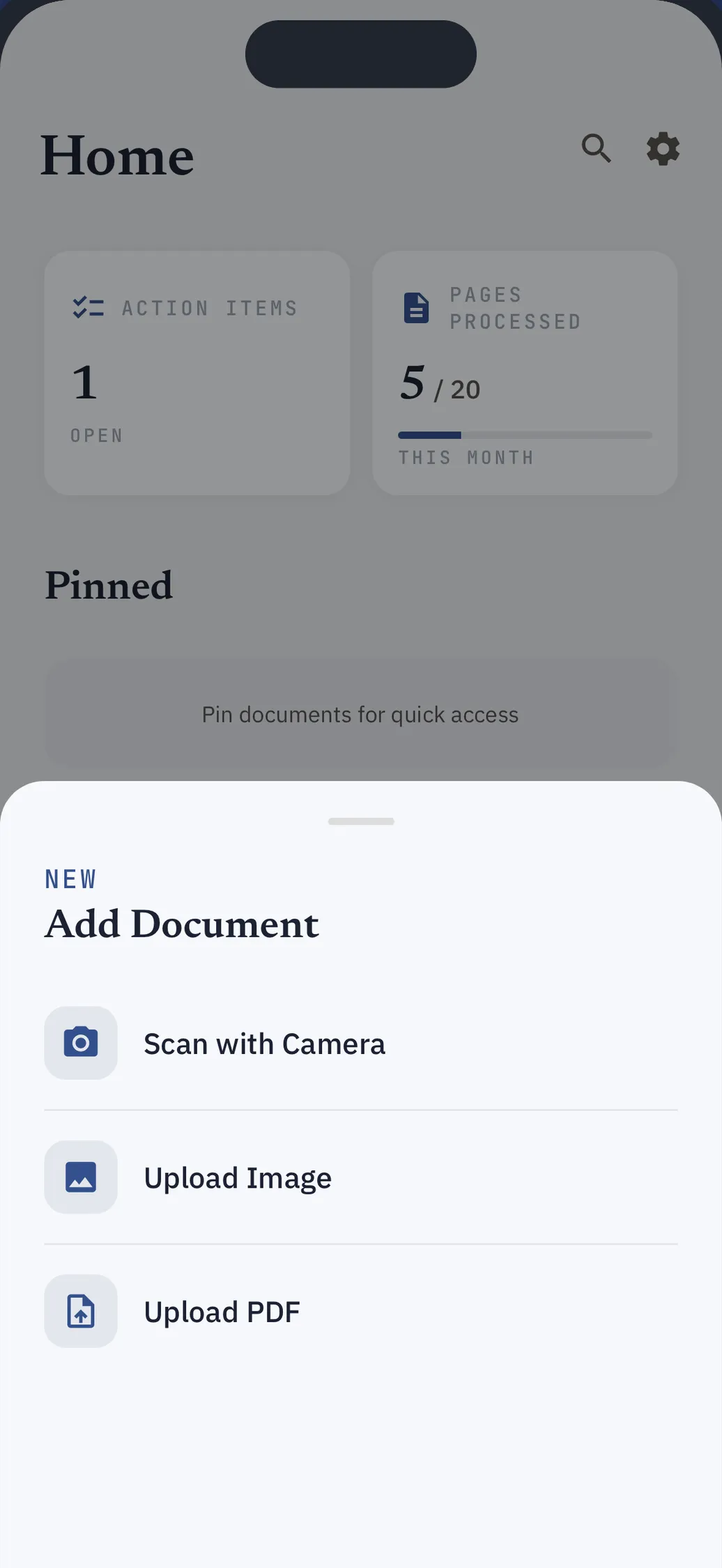
Or just forward it
Japanese emails and their attachments arrive already translated, filed and ready to act on.
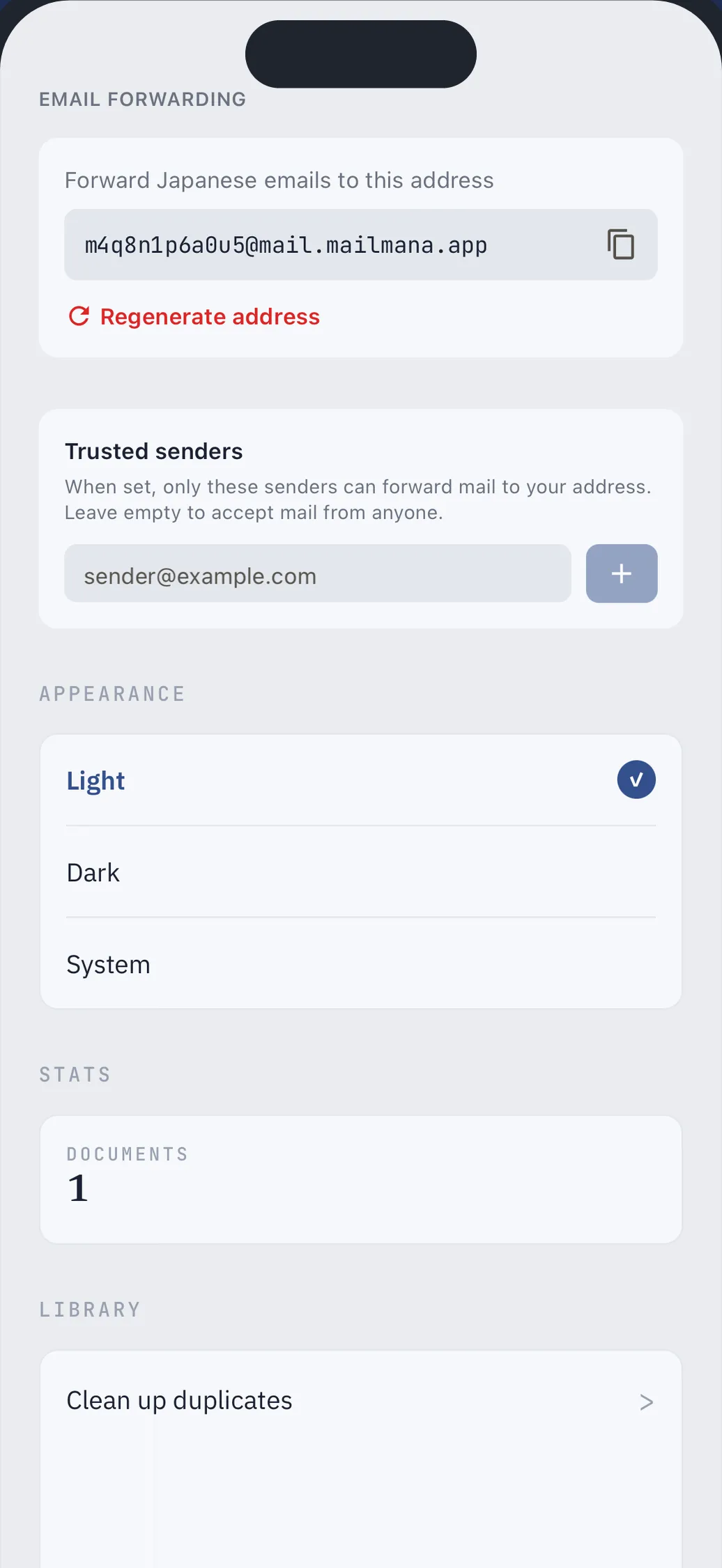
A translation worth keeping
Read for meaning, structured like the original.
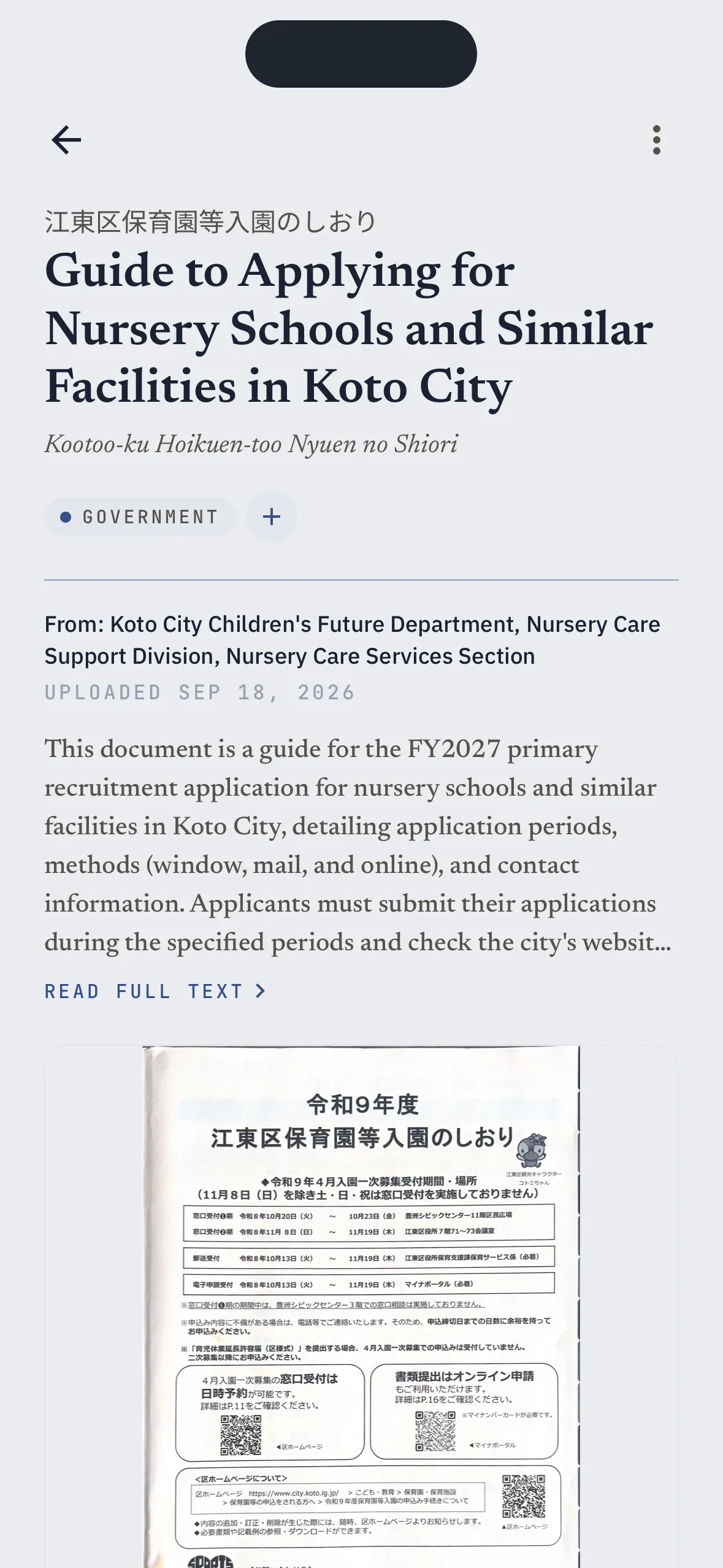
It finds what you owe
Payments, deadlines and appointments, pulled out of the letter automatically.
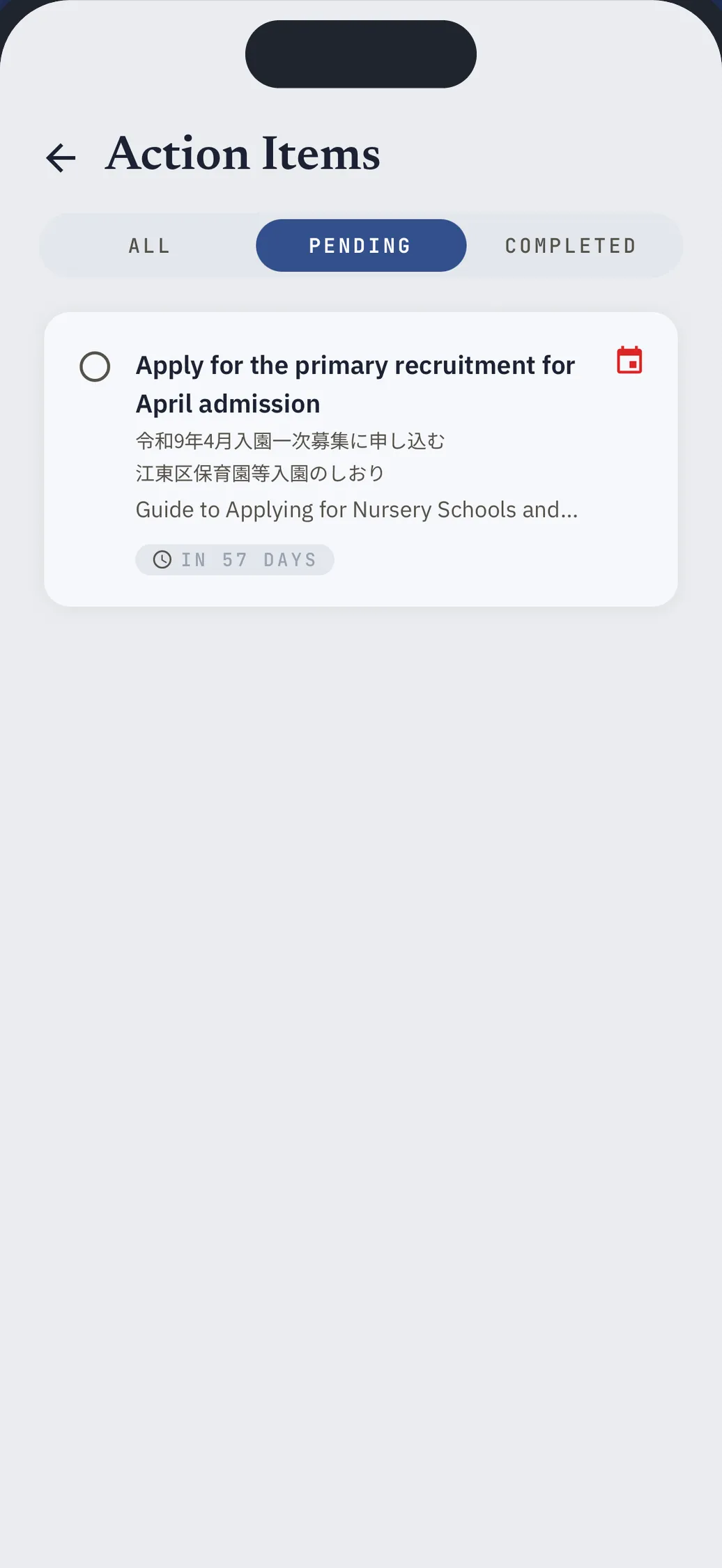
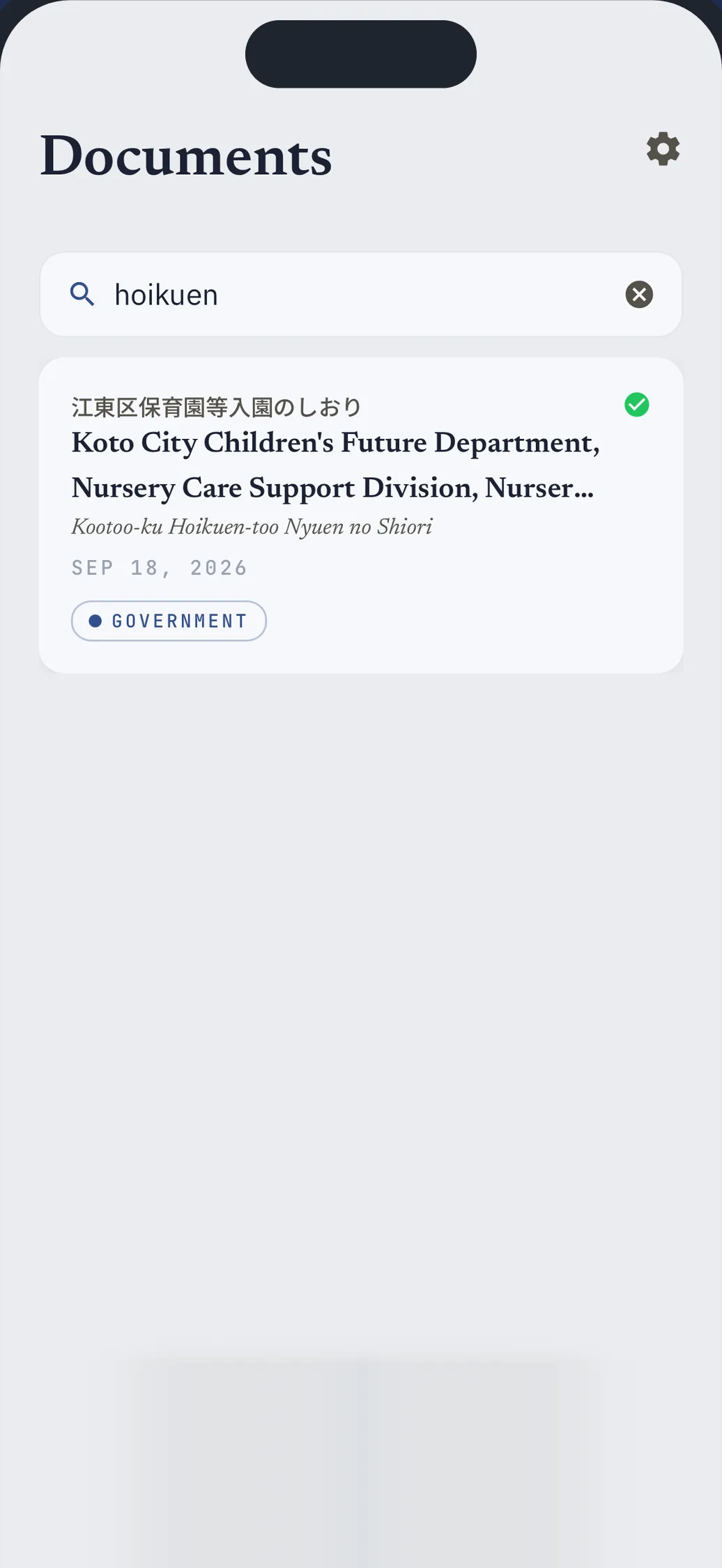
Find it without the kanji
Search in English or romaji. Tag and file everything you've ever received.
Your AI assistant can read your mail too.
Connect Claude or another MCP assistant. It can read and search your documents but cannot change or delete them.
Start with the letter on your table.
Coming soon on iOS and Android.
Questions? Email support@mailmana.app.